Edit reels with only Claude: 3 free skills
The skills I use to edit my reels inside Claude. Upload a video, type one line, approve, download. No editing app.
- Free skills
- 3
- Steps
- 2
- Editing apps
- 0
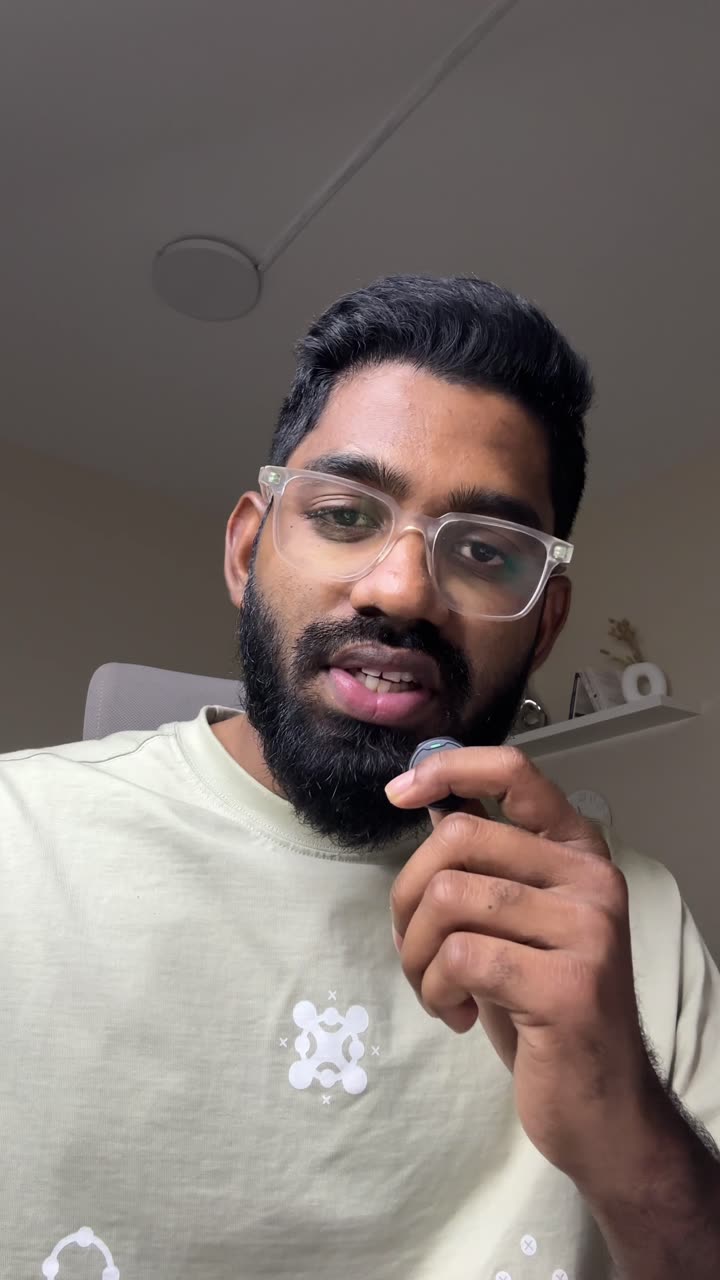
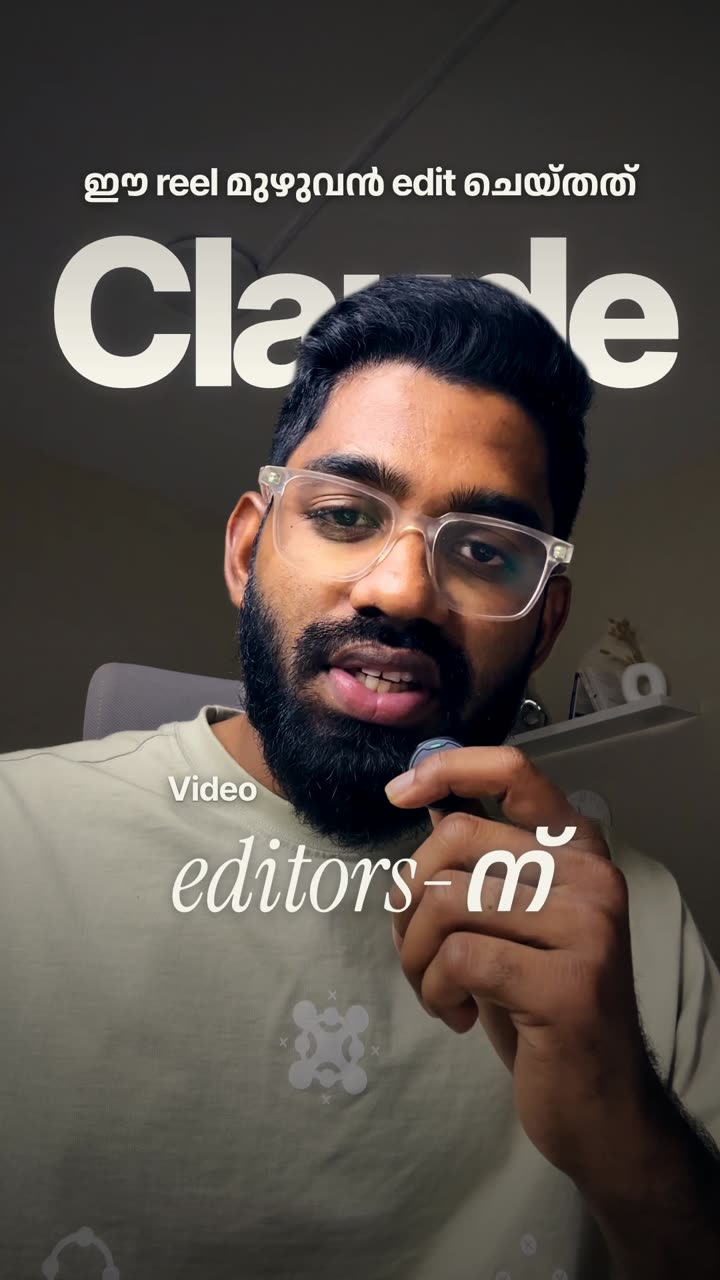
Watch the full tutorial
Two ways to use it
No setup. Add the skill once, then send your video.
For everyone. Needs Claude Pro or higher.
- 1
Turn on code execution
Settings → Capabilities. Turn on “Code execution and file creation”. Keep network access on so Claude can install free tools.
- 2
Upload the skill
Download a skill below. In Settings → Capabilities → Skills, click Upload skill, pick the .zip and switch it on.
- 3
Send your video and one line
New chat. Attach your raw video and say what you want.
Edit this video into a reel. Language: Malayalam. Comment keyword: EDIT. - 4
Approve, wait, download
Claude installs free tools in its own sandbox. When it asks for permission, tap Allow. A 30–60 second reel usually takes 20–40 minutes.
The skill tells Claude everything else. Cuts, captions, graphics, colour and sound.
Connect ElevenLabs for the best captions in your language and custom AI sound effects.
Optional. Free ElevenLabs account.
- 1
Connect ElevenLabs
Settings → Connectors → Browse → ElevenLabs → Connect. Sign in with a free account. No API key to copy.
- 2
Use the same skill
Nothing else changes. The skill sees the connection and uses it. Approve when Claude asks.
Edit this video into a reel. Use ElevenLabs for the captions and make custom sound effects.
Video in English? Skip this. The free model is already very good there. On Claude Code, add the ElevenLabs MCP server with an API key from elevenlabs.io (Settings → API keys) instead.
Pick a skill
Claude Reel Editor
Talking-head videos. Phone selfie, any language.
- Cuts pauses and mistakes
- Captions in your language
- Graphics on the exact words
- Text behind your head
- Colour grade
- Clean sound effects
Edit this video into a reel. Language: English.Podcast Clip Editor
Podcasts, interviews and two-person conversations.
- Finds the best 30–60 s moments
- Frames whoever is talking
- Or stacks both speakers
- Captions and name tags
- Light graphics and sound
Find the best moment in this podcast and make a vertical clip. Speakers: Hadi and Marwa.Viral Reel Remix
You found a reel you love. Get the same edit on your video.
- Studies the reference edit
- Same layouts and colour cards
- Same caption style and pace
- Your words and your language
- No copied characters or logos
Here's a reel I like and my recording. Edit mine in the same style.What the edit looks like
Start here
- Turn on code execution in Claude (Settings → Capabilities).
- Upload the Claude Reel Editor skill (one time).
- Send your next raw video with one line: “Edit this video into a reel.”
- Check the captions for names and numbers, then post.
Claude edits. You approve. You post.
Straight answers
Is it really only Claude?
Yes, for the editing. No CapCut, no Premiere, no other app. Behind the scenes Claude writes code and uses free open-source tools (ffmpeg, a free speech model, a browser engine for the graphics) inside its own sandbox. You don't install anything.
Does it work on the free Claude plan?
No. Custom skills need Claude Pro, Max, Team or Enterprise, with Code execution turned on (Claude help).
Do I need ElevenLabs or an API key?
No. Step 1 works on its own. ElevenLabs only makes captions in languages like Malayalam, Hindi and Arabic more accurate and adds custom AI sound effects. In the Claude app you connect it by signing in, no API key. The API key is only for Claude Code. The free ElevenLabs plan has 10,000 credits a month.
Which languages work?
English, plus 1,600+ languages through Meta's free Omnilingual speech model, including Malayalam, Hindi, Tamil and Arabic. Check a few words in the captions. Names and English words inside other languages are the usual misses.
How long does it take?
Usually 20–40 minutes for a 30–60 second reel. You can leave and come back to a finished file. It's heavy work for Claude, so on Pro you may hit your usage limit if you edit several reels back to back.
How big can my video be?
Phone videos usually upload fine. If the upload fails, export a 1080p copy and try again. The finished reel comes back as a file under 30 MB, ready to post.
Is there music?
No music. Only clean sound effects. Add a track in Instagram if you want one.
Will it post for me, or make my reel go viral?
It doesn't post. You get the file and post it yourself. And no tool can promise views. The edit makes it look professional; the hook and the idea do the rest.